
Manually Adding Booking Entries
Summary: This article provide instructions on how to add a book entry
- In the list of bookings page, click the New Booking button. This will open the Create New Booking page:
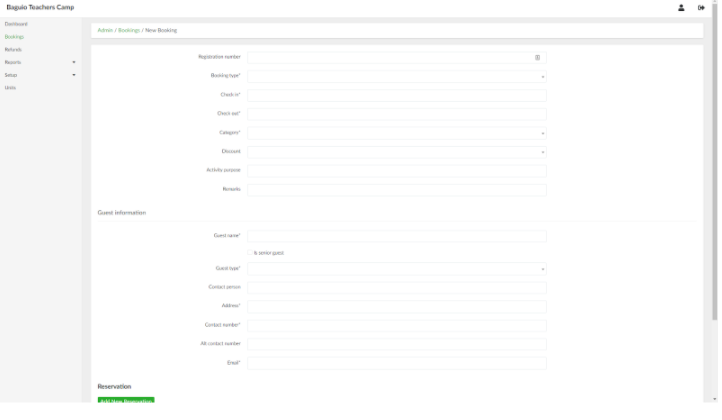
- Provide the necessary information in their respective fields.
- To add a reservation, click the Add New Reservation button and provide the necessary details in their respective fields. Click the button again to add additional reservations.
- To add addons, click the Add New Addon and select an addon to add. Click the button again to add additional addons.
- To add additional fees, click the Add New Fees button and select a fee to add. Click the button again to add additional fees.
- When done, click the Create Booking button.
No Comments