
How to Create a New Unit
Summary: This article provides instructions on how to create a unit.
1. In the list of units page, click the New Unit button. This will open the Create New Unit page. 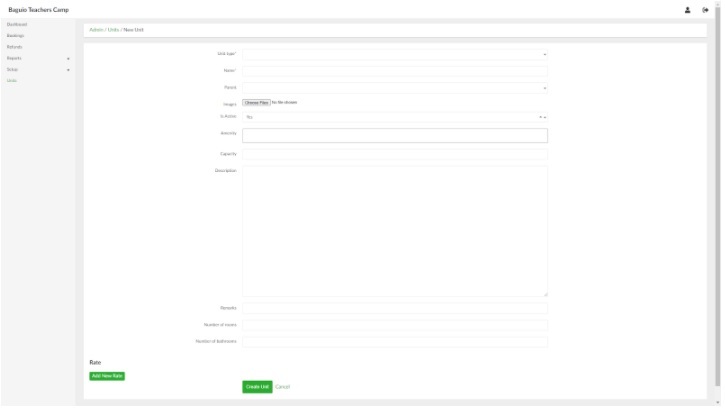
2. Provide the necessary information in their respective fields. Note that certain information such as Unit Type and Amenities need to be created first under Setup before they can be included in creating a Unit.
3. When done, click the Create Unit button.
No Comments