
Booking Details (Form) Page
Summary: This article provides instructions regarding the Booking Details Page
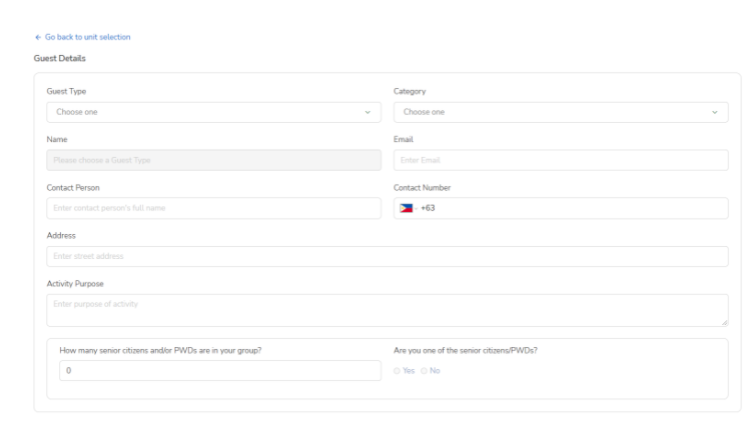
After reserving a unit, the guest is then directed to the booking details page. The booking details page contains a form where the guest needs to provide further details such as the name of the individual or organization who booked the reservation and other necessary fields that are provided.
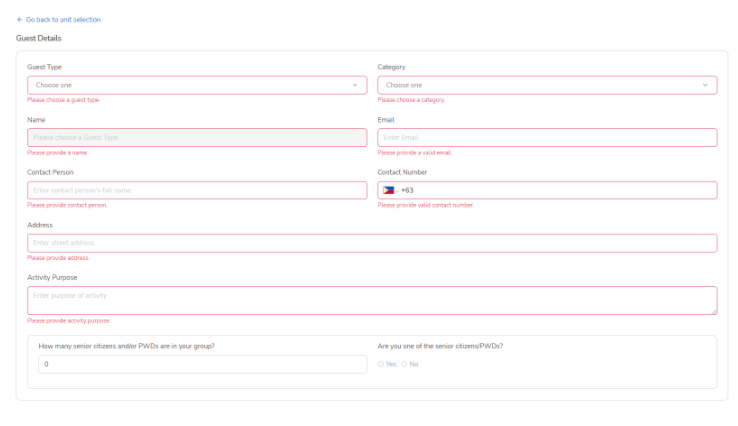
Unfinished fields are highlighted red and guests are required to fill it correctly before continuing. All fields except for the number of senior citizens/PWDs are required.
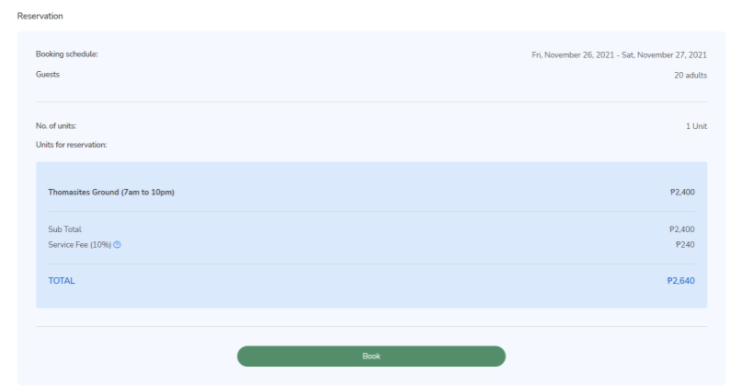
Booking details page also displays a quick summary of the intended booking. To remind the guests of the details of the booking and the units/grounds they want to book before continuing. Clicking the “Book” button will submit the form.
Note: Check all the details first before clicking the "Book" button.
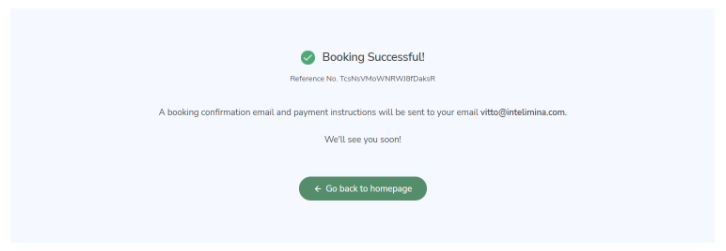
A successful submission would look like this:
No Comments