Home Page
Summary: This article provides information about the Home Page
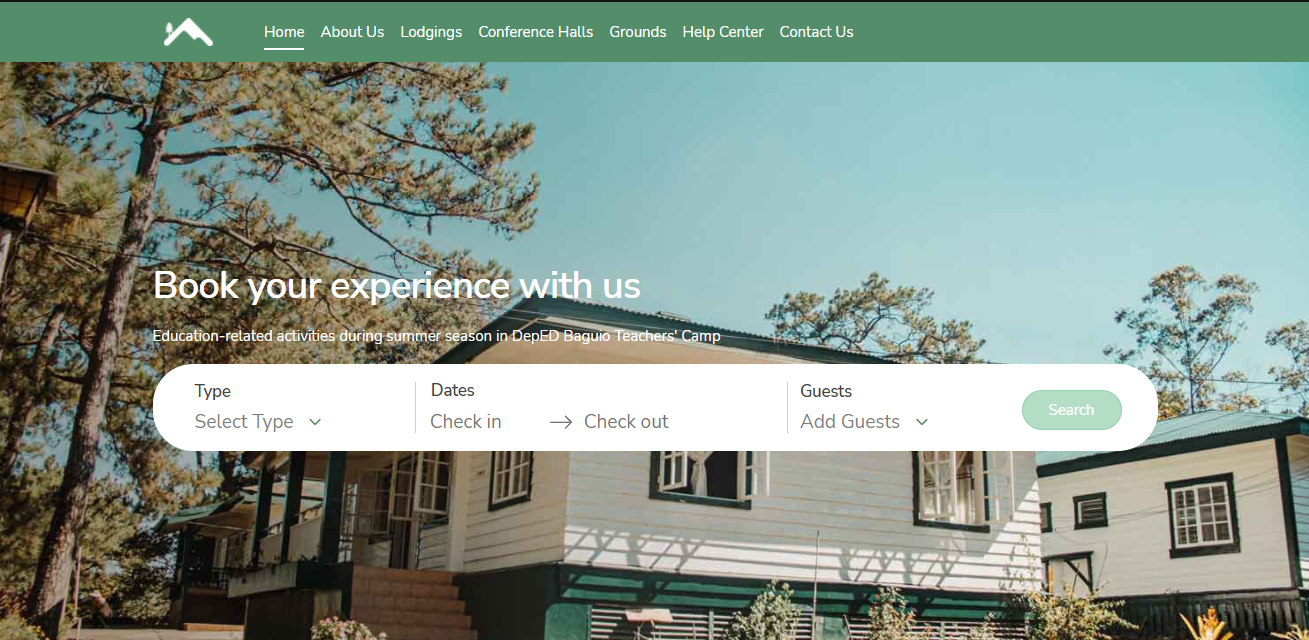
Home Page - Guests are greeted by a home screen where it allows the guests to quickly choose their unit type, check-in and check-out dates, and then include the number of guests that will check-in.
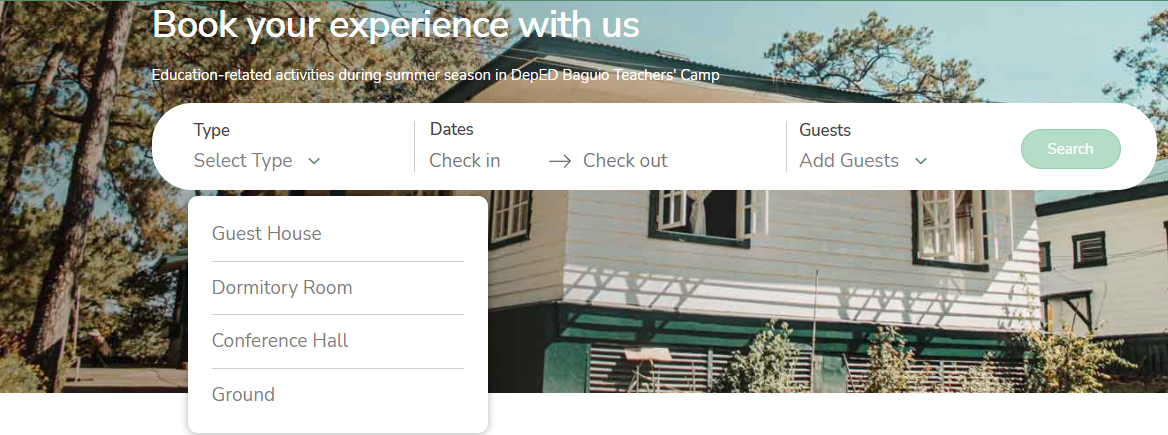
Guests can choose a unit type from those offered by our website. Simply click the dropdown field under Type.
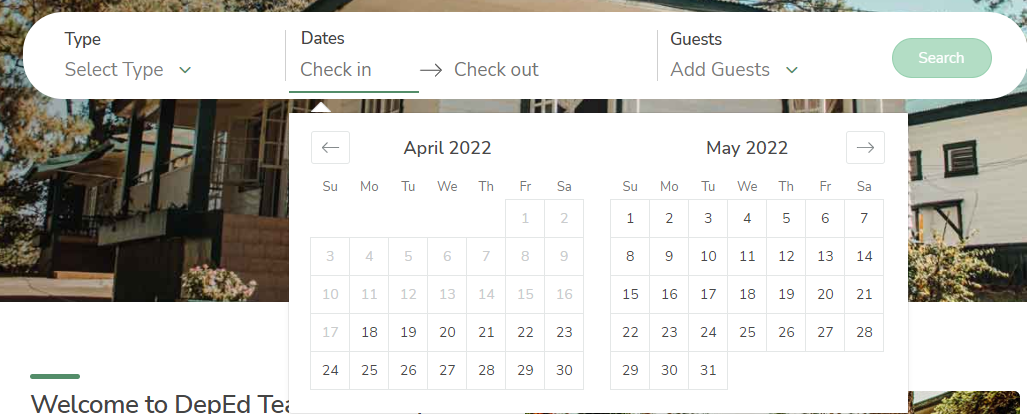
Guests can select their desired check-in and check-out dates by clicking the Check-in and Check-out field.
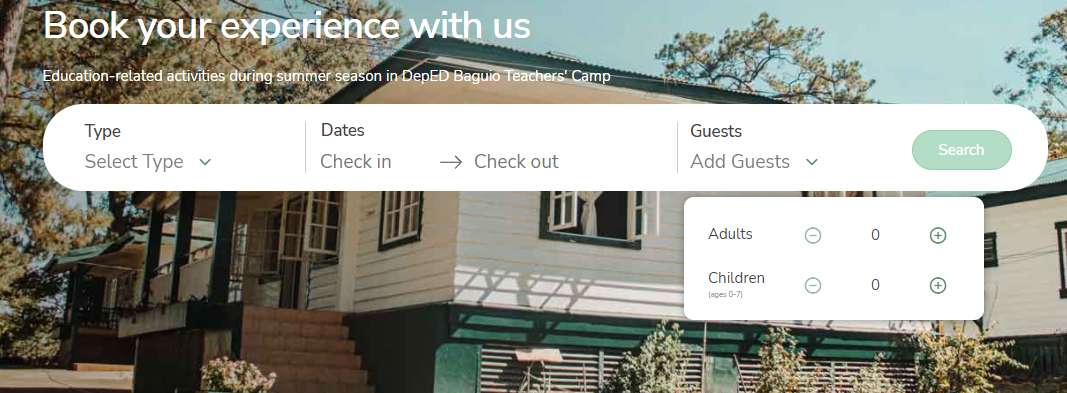
The number of guests are divided between adults and children. This field needs to be specified. To specify the number of guests, click the Add Guests field and click the + icon to increase the number of adult and/or child guests. Click the - icon to decrease it.
Please note that only those 7 years old and below are considered children.
All throughout the web application/site guests will see this navigation header and each of it contains the following definitions below:

This will help our guests to navigate the website:
- Home - The home page of the site that contains the main search bar for various types of stays and/or activities. It also hosts other links and information about Baguio Teachers Camp.
- About Us - Contains more information about Baguio Teachers Camp.
- Lodgings - A page for directly booking lodging units such as dormitory rooms and guest houses. These units can also be booked from the main search bar in the home page, and would direct guests to this page as well. This page can also be accessed from the Stay section of the home page.
- Conference Halls - A page for directly booking conference halls. Selecting conference halls as unit type from the main search bar in the home page would also direct guests to this page. This page can also be accessed from the Activities section of the home page.
- Grounds - A page for directly booking grounds. Searching grounds as unit type from the main search bar would also direct guests to this page. This page can also be accessed from the Activities section of the home page.
- Help Center - Contains information on rules, guidelines, protocols, and reminders when booking in Baguio Teachers Camp. It also has quick links jumping to specific topics.
- Contact Us - Provides contact information for Baguio Teachers Camp.