# Updating a Role
In the list of roles page, select a role and click **Edit**. This will open the role page and the associated permissions to the role.
[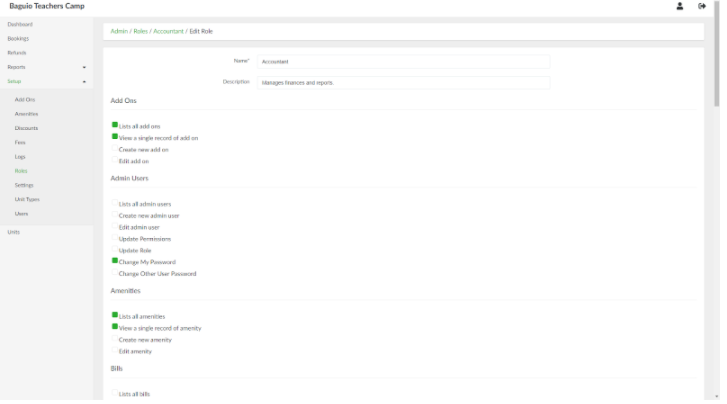](https://wiki.onlinedooze.com/uploads/images/gallery/2022-04/image-1649755521501.png)
Once done updating the details and permissions of the role, click the **Update Role** button.