# Refund Settings
In the side navigation pane, click **Setup > Settings.** This will open the refund settings page.
[](https://wiki.onlinedooze.com/uploads/images/gallery/2022-04/image-1649755377864.png)
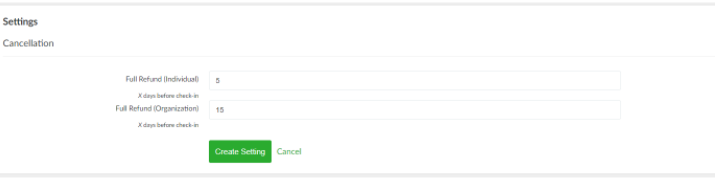
Configure the deadline to qualify for a full refund by specifying the number of days one should get a refund before check-in. Separate deadlines can be configured between individual and organization guest types.
*Note that final refund value can still be specified by the admin upon initiating the cancellation process and this setting only modifies the suggested refund amount displayed.*