# Adding a New Role
To add a new role, in the list of roles page, click the **New Role** button. Provide the name and description for the role. For each feature of the system, tick the checkboxes that correspond to actions allowed to the role.
[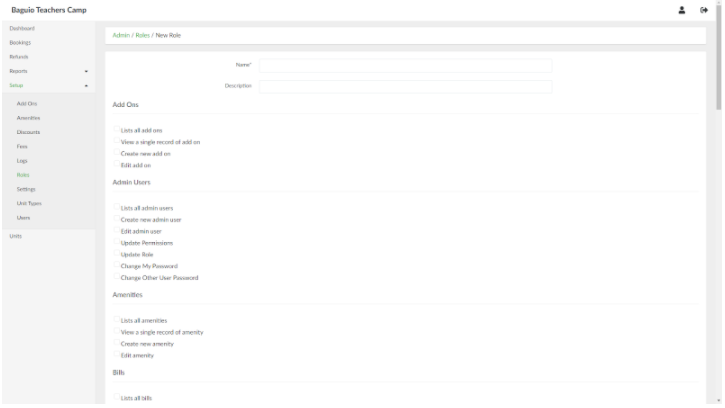](https://wiki.onlinedooze.com/uploads/images/gallery/2022-04/image-1649755467401.png)
When done, click the **Create Role** button.