# Adding a New Fee
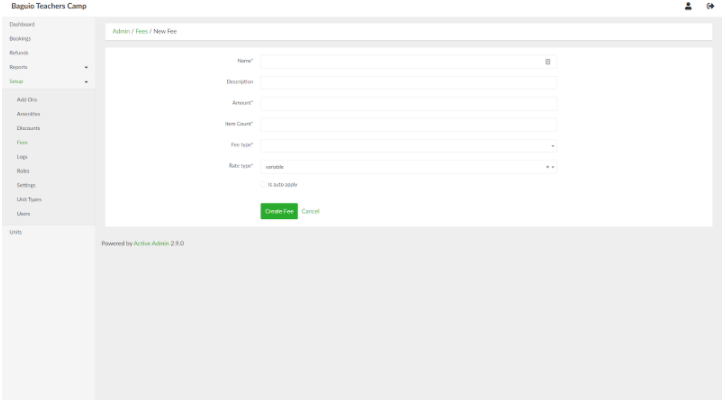
To add a new fee, in the list of fees page, click the **New Fee** button. Provide the details of the fee in the respective fields. If the fee will be applied upon initial creation of booking entry, tick the *Is auto apply* check box.
[](https://wiki.onlinedooze.com/uploads/images/gallery/2022-04/image-1649754988953.png)
When done, click the **Create Fee** button.