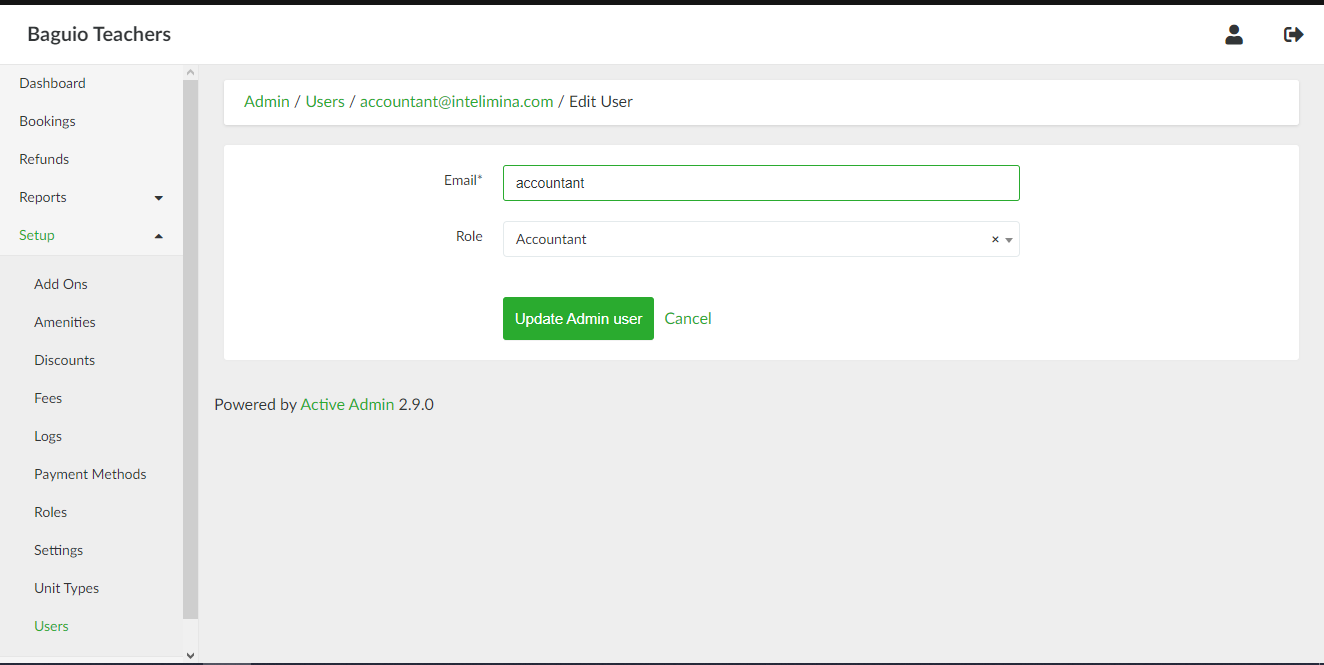
Users
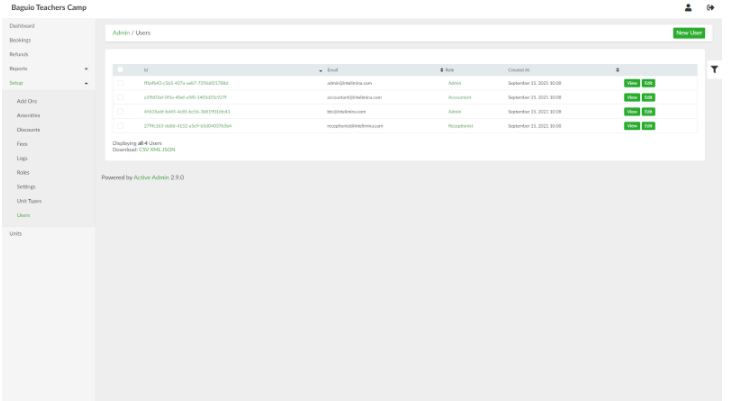
List of Users page
List of Users page can be accessed through the side navigation pane by clicking Setup > Users.
Adding a New User
To add a new admin user, in the list of users page, click the New User button. Provide the email address and the desired password of the user.
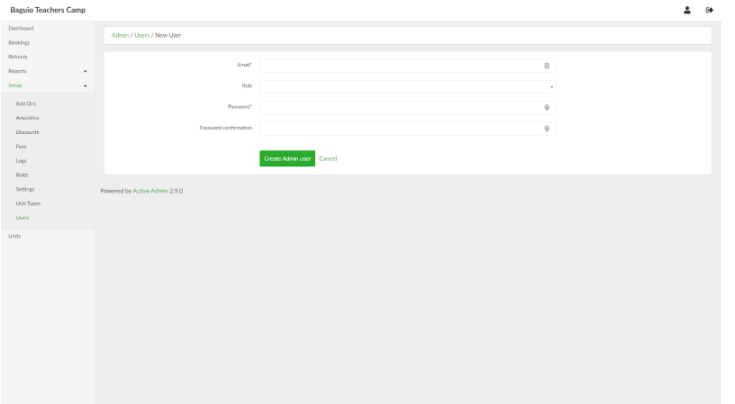
When done, click the Create Admin user button.
Viewing a User
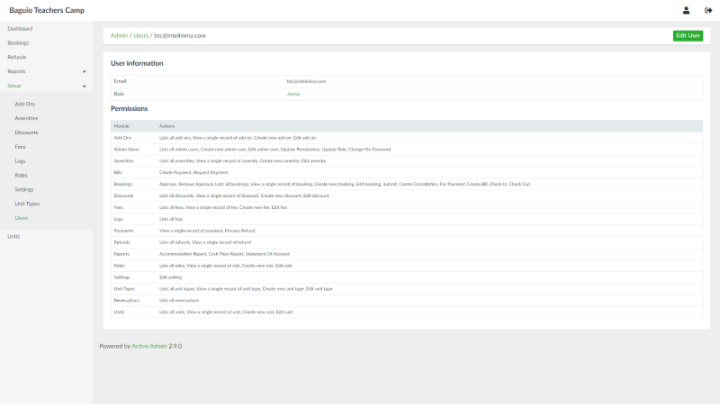
In the list of users page, select a user and click View.
Updating a User
In the list of users page, select a user and click Edit.