# Reports
There are several reports that can be viewed and downloaded.
# Cash Flow Report
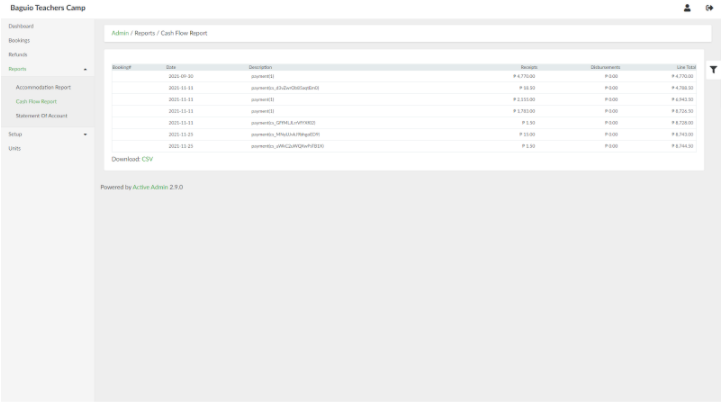
Cash flow reports give a list of receipts and disbursements.
To access this, on the side navigation pane, click **Reports** > **Cash Flow Report**.
[](https://wiki.onlinedooze.com/uploads/images/gallery/2022-04/image-1649742097129.png)
# Statement of Account
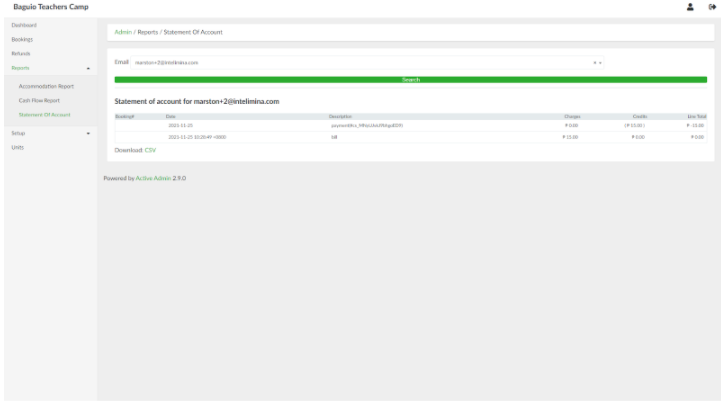
Statement of Account reports allows viewing of statement of account for each user/client.
To access this, on the side navigation pane, click **Reports > Statement of Account**.
[](https://wiki.onlinedooze.com/uploads/images/gallery/2022-04/image-1649742137735.png)
# Accomodation Report
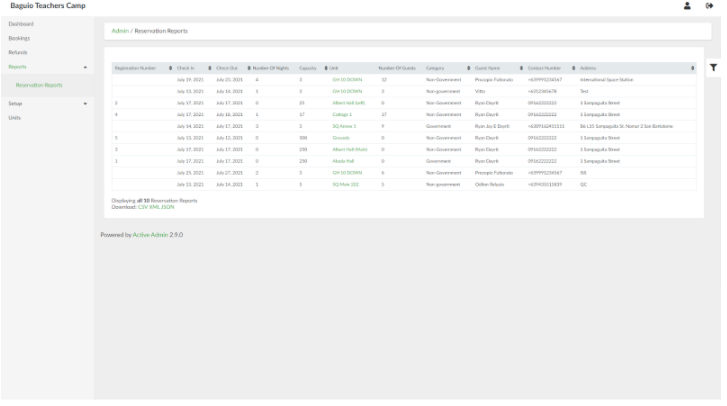
Accommodation reports give the list of bookings, stay dates and duration, number of guests etc.
To access this, on the side navigation pane, click **Reports** > **Accommodation Report**.
[](https://wiki.onlinedooze.com/uploads/images/gallery/2022-04/image-1649742027725.png)