Fees
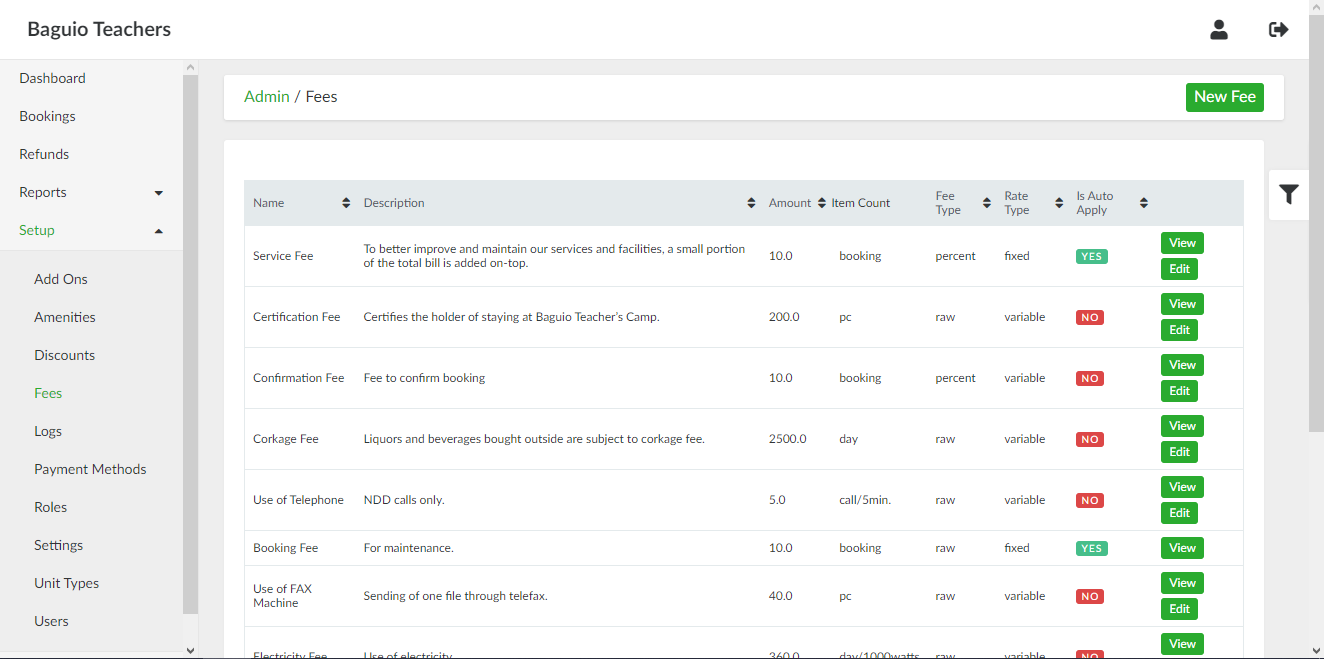
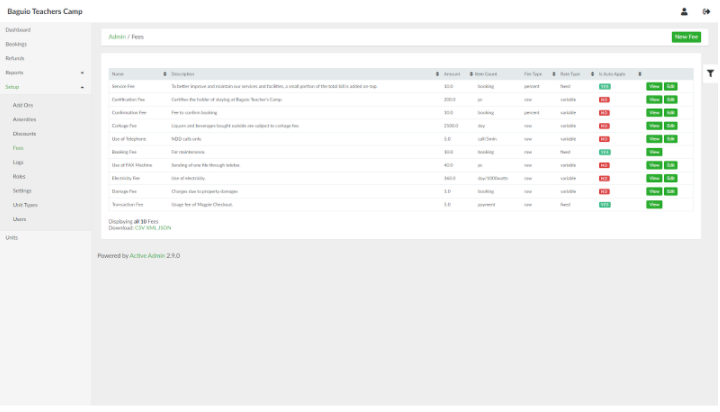
List of Fees page
List of Fees page can be accessed through the side navigation pane by clicking Setup > Fees.
Adding a New Fee
To add a new fee, in the list of fees page, click the New Fee button. Provide the details of the fee in the respective fields. If the fee will be applied upon initial creation of booking entry, tick the Is auto apply check box.
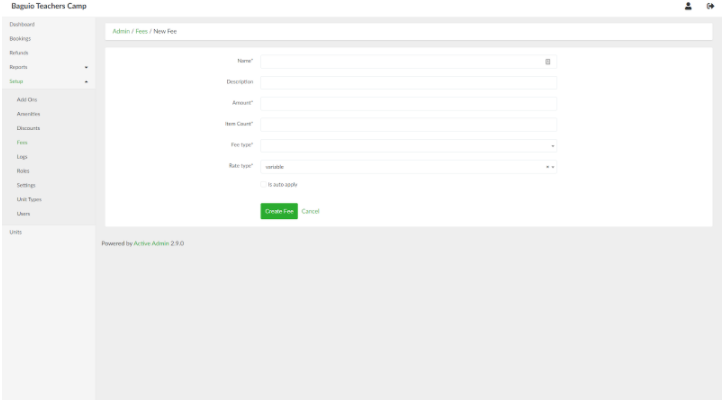
When done, click the Create Fee button.
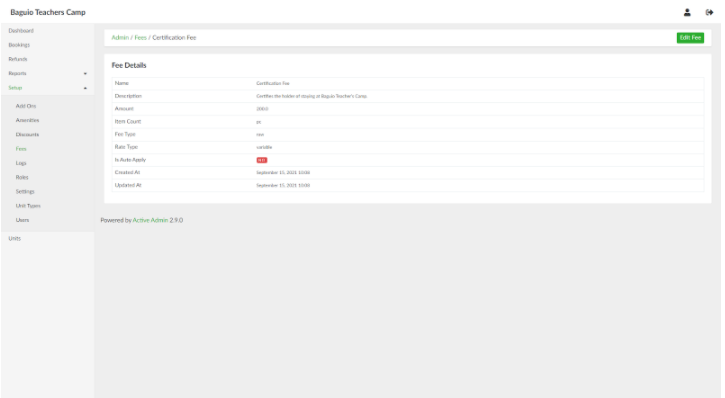
Viewing a Fee
In the list of fees page, select an amenity and click View.
Updating a Fee
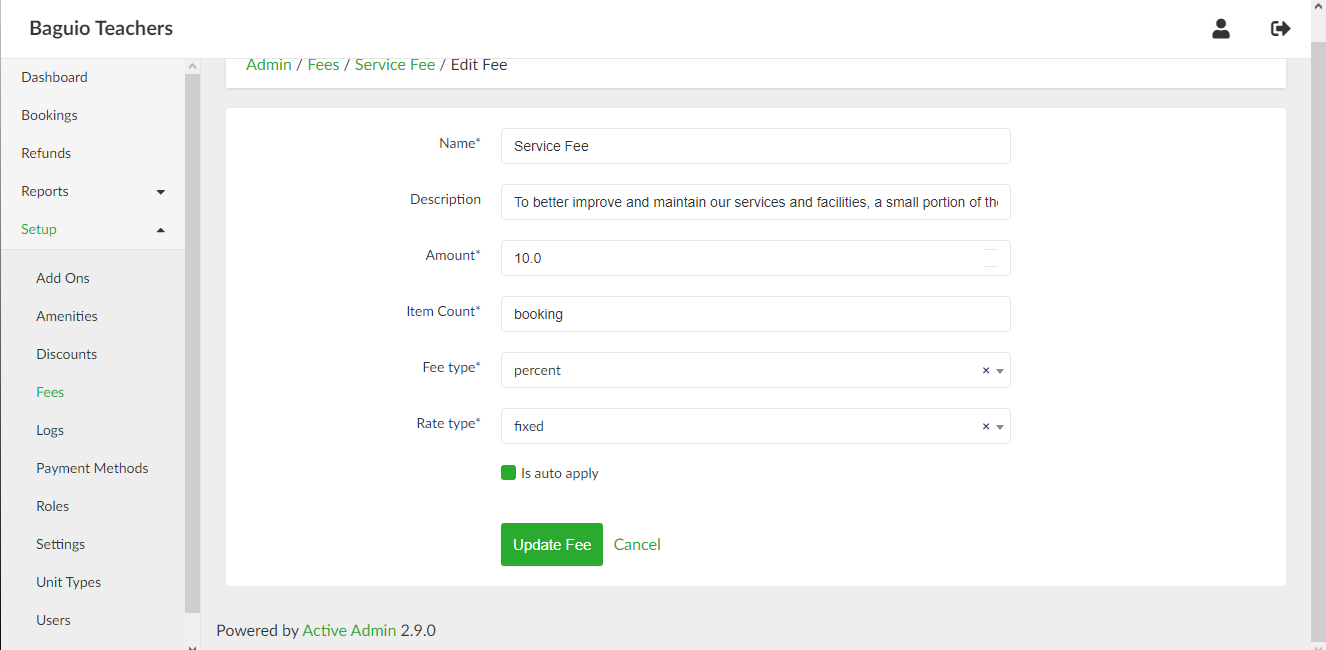
In the list of fees page, select a fee and click Edit.