Amenities
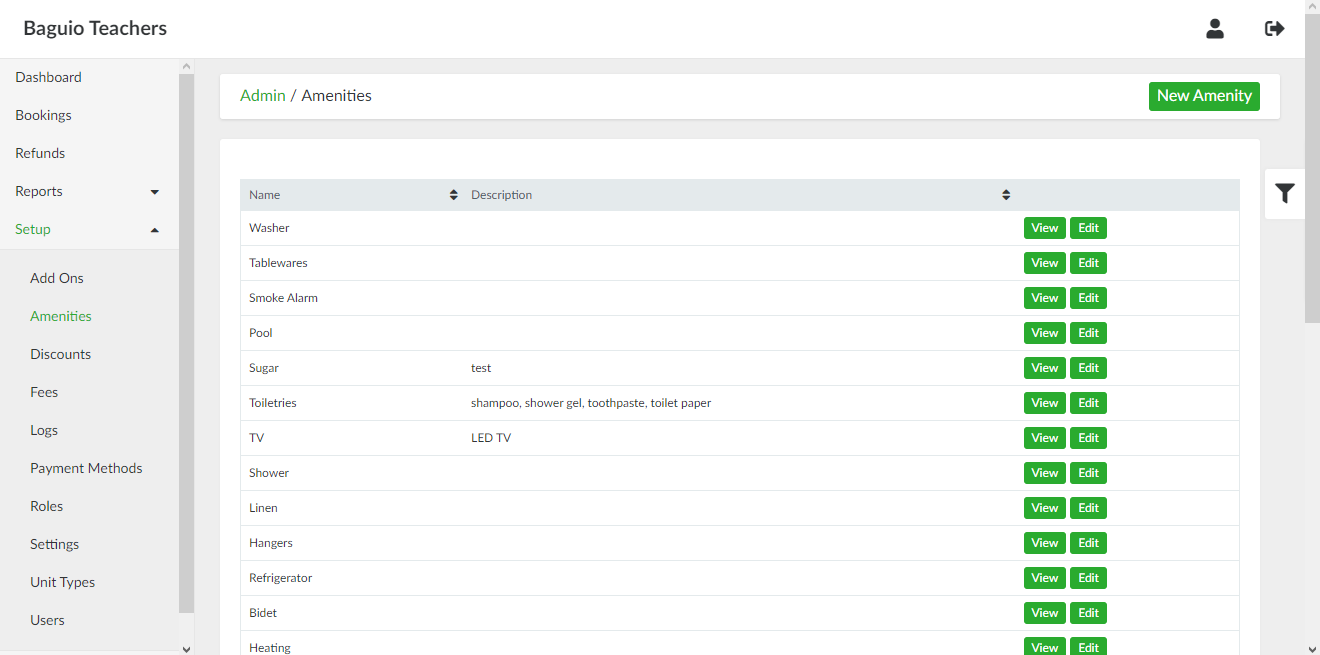
List of Amenities page
List of Amenities page can be accessed through the side navigation pane by clicking Setup > Amenities.
Adding a New Amenity
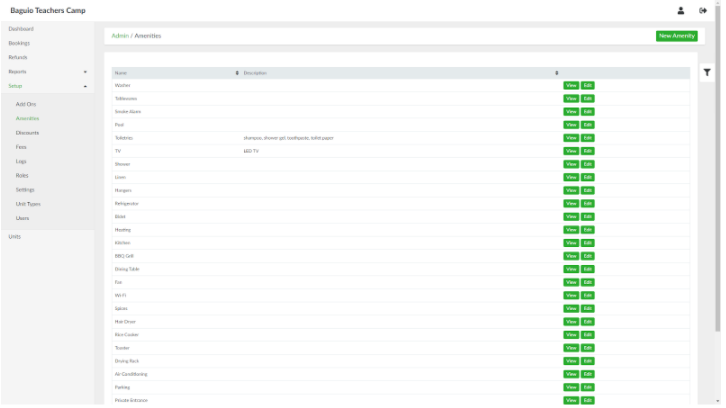
To add a new amenity, in the list of amenities page, click the New Amenity button. Provide the details of the amenity in the respective fields.
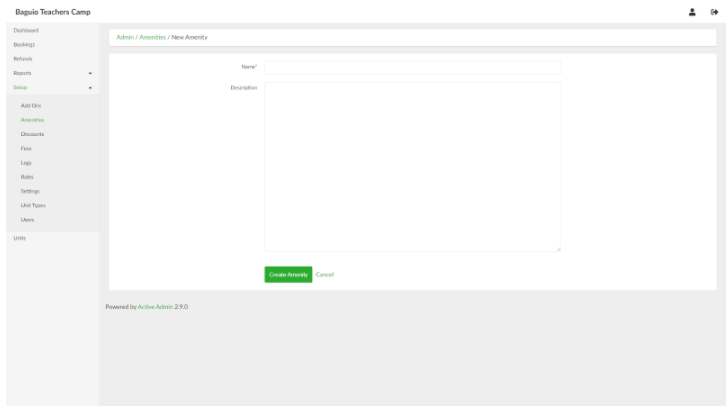
When done, click the Create Amenity button.
Viewing an Amenity
In the list of amenities page, select an amenity and click View.
Updating an Amenity
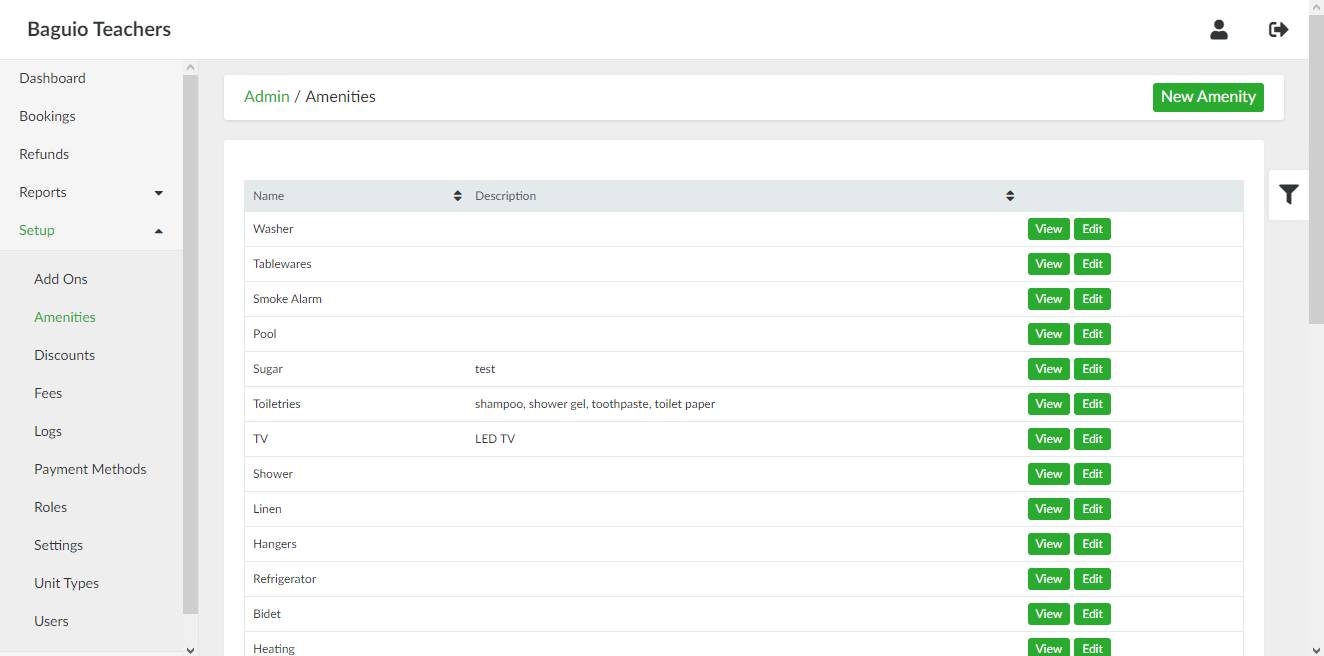
In the list of amenities page, select an amenity and click Edit.